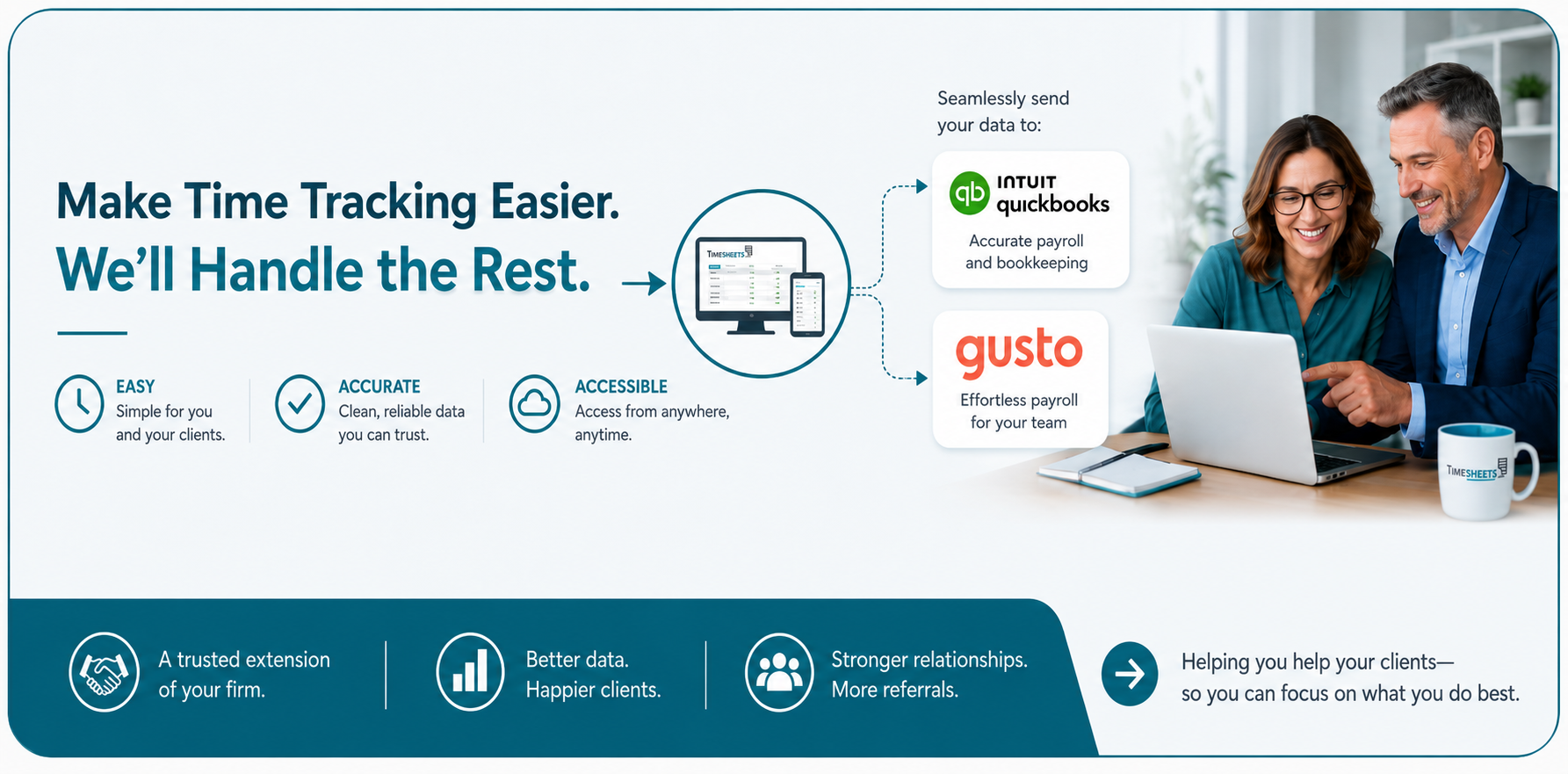
Timesheets.com Integrates Time and Expense Tracking With QuickBooks
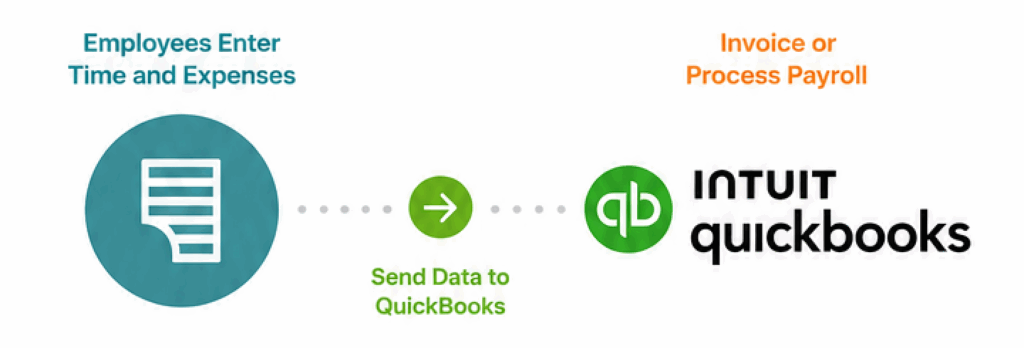
Easily send accurate time and expense data to QuickBooks to create invoices or process payroll.
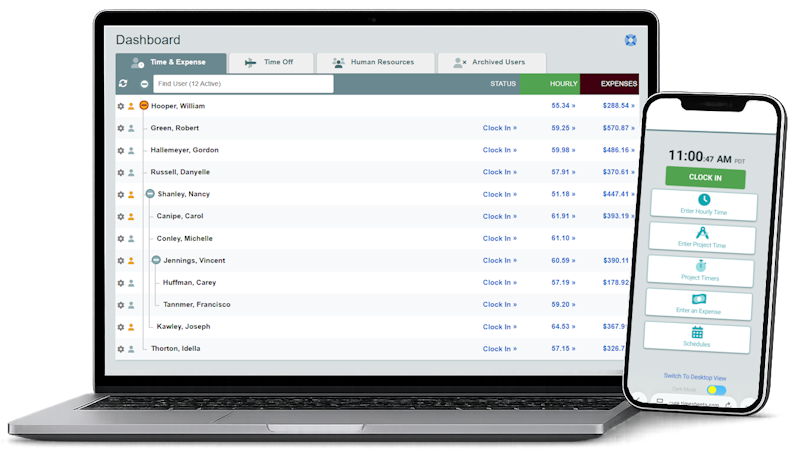
Timesheets.com works with both Online and Desktop versions.

$5.50
/ user / month
Try it for 2 weeks.
No credit card required.
$5.50
/ user / month
Try it for 2 weeks.
No credit card required.
Frequently Asked Questions
Does Timesheets.com work with my version of QuickBooks?
Timesheets.com supports all versions of desktop and most versions of QuickBooks Online. Timesheets.com is unavailable in QuickBooks Online versions that do not have access to the weekly timesheets.
Exactly what information transfers into QuickBooks?
Timesheets.com can transfer time and expenses into QuickBooks Online, while Desktop configurations can also include customers, jobs and payroll items.
Can I use the integration for payroll, customer invoicing, or both?
Possibly. It depends on what versions you’re using and how you’re running your business. Contact us and tell us what you need, and we’ll tell you if we can do it.
How does the information get into QuickBooks?
Transferring data to QuickBooks only takes a few minutes. You select the data, review it for accuracy, and then send it over. The data lands on the weekly timesheet or as a bill.
Will my QuickBooks customers, jobs, projects and payroll items match automatically?
If list names match in both systems (i.e. same spelling, capitalization, etc.), QuickBooks will import the data correctly. Mismatches can’t be imported and will fail.
How are overtime, PTO, breaks and different pay rates handled?
Timesheets.com accurately calculates overtime, double time, PTO, and unpayable/salaried work time, including in California. We can handle different pay rates, and other less common business needs.
Can managers approve time before it reaches QuickBooks?
Yes, and employees can sign their timesheets as well.
What happens if someone corrects or re-exports time?
There’s really no problem we can’t solve. What matters is how. Timesheets.com has controls in place to prevent duplicates exports in some situations, but also allows clients to correct data, even after closing out the period or archiving billable time.
How will employees record their time and expenses?
Timesheets.com is a browser-based product with both a desktop and a convenient mobile version of our site that allows users to punch in, enter billable time, and even record miles and expenses. There’s no software to download, install, or update.
Will someone help me set it up?
Timesheets.com has product experts available during business hours and we’re delighted to assist with a new account setup.
Timesheets.com > QuickBooks Integration
Copyright 2004-2026 TimeclockOnline.com, Inc. All Rights Reserved.
Terms of Use | Privacy Statement