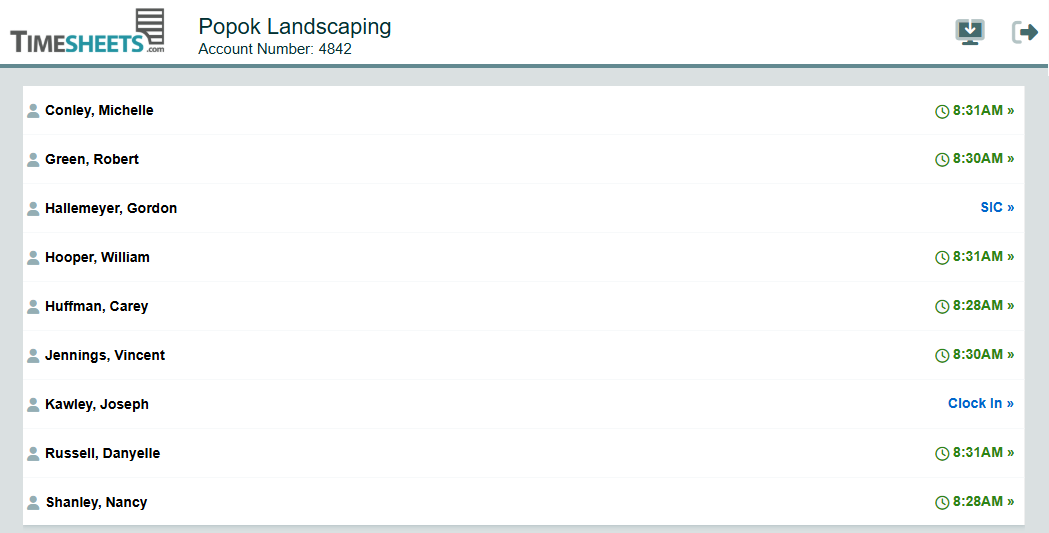
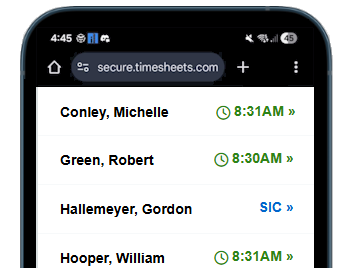
Kiosk Mode turns a shared device (tablet or computer) into a simple on-site time clock so employees can clock in and out quickly.
Do employees need their own login?
Not necessarily. Many teams use a PIN, badge code, or a simple employee lookup on the kiosk so staff don’t need personal accounts on the device.
What devices work for the kiosk?
Any modern tablet or computer with a web browser works well. Many companies mount an iPad/Android tablet at an entrance or break room.
How do employees clock in and out?
Employees tap Clock In / Clock Out. and then enter a PIN or password to confirm their identity.
Can employees take breaks from the kiosk?
Yes—Kiosk Mode can support breaks (paid or unpaid), depending on your settings.
Can we restrict the kiosk to a specific location or network?
Kiosks can be locked to approved sites (for example, by network/IP or location settings) or physical location to prevent off-site punches. Timesheets.com also supports GeoPunch and PhotoTimestamp on the Kiosk.
What prevents “buddy punching”?
PhotoTimestamp can be used even in remote locations so you always know who's punching the clock and where they are at the time.
What happens if someone makes a mistake?
Managers with appropriate permissions can resolve timestamps issues at anytime.