







Track Every Billable Minute.

Turn every hour worked into revenue with simple time tracking for clients, projects, and tasks.
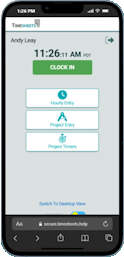
Timesheets.com mobile time clock screen with clock in, hourly time, project time, and expense entry options
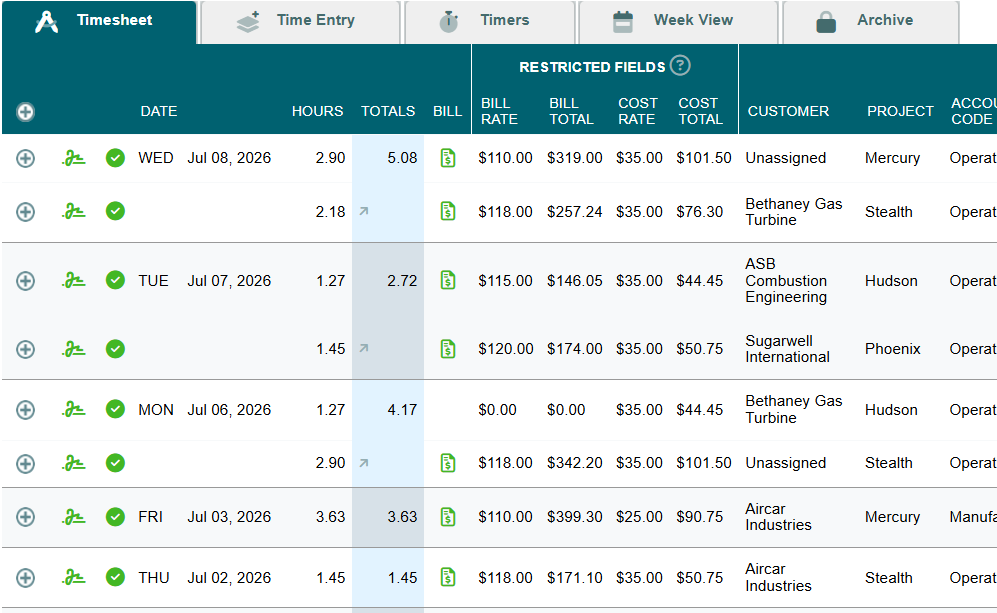
Timesheets.com project timesheet showing billable hours, billing rates, labor costs, customers, projects, and account codes

Everything Professional Services Need

Calculator icon representing accounting professionals
Drafting compass icon representing healthcare organizations
Megaphone icon representing construction teams
Consultant icon representing professional services
Gear icon representing information technology firms
Globe and heart icon representing nonprofit organizations
Computer icon representing software developers
Microscope icon representing educational institutions

Accounting Pofessionals

Healthcare Offices

Marketing Agencies

Architectural Firms

Engineers & Contractors

Non Profit Organizations

Software Developers

Research and Education

Clock icon representing multiple ways to track employee and project time

Multiple Ways to Track Time

People icon representing time organized by client and project

Organize by Client & Project

Dollar sign icon representing flexible billing rates

Flexible Billing Rates

Bar chart icon representing project job costing and profitability

Job Costing

Capture Time However You Work

Multiple Timers

Multiple project timers for tracking different work activities in real time

Track work in real time

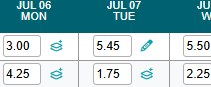
Weekly Grid

Weekly project timesheet grid with daily hour entries

Fill in your week quickly

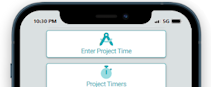
Mobile Entry

Timesheets.com mobile project time entry screen displayed on a smartphone

Track time from anywhere

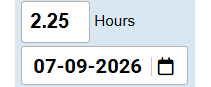
Manual Entry

Manual time entry form with hours and work date fields

A simple time entry form

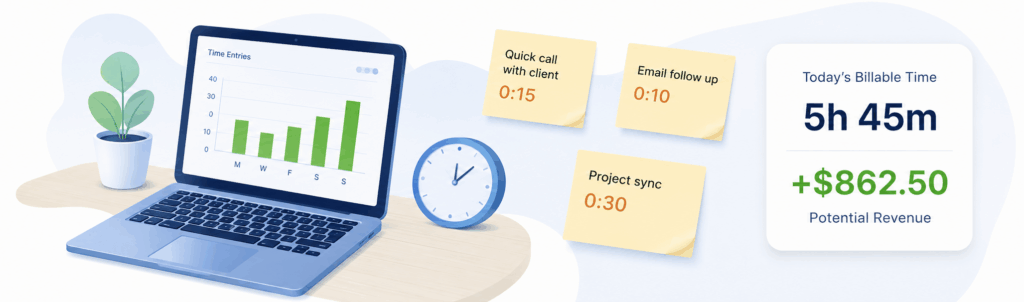
And Recover More Revenue

Billable time tracking dashboard showing captured work, daily hours, and potential revenue

Everything You Need. Nothing You Don't.

Frequently Asked Questions

Timesheets.com supports supervisor authorization, batch approval, and filters for approved, unapproved, or flagged records. Edited approved entries must be approved again, and each entry retains work notes and an audit history.

Compare billable revenue, labor costs, and non-billable effort for fixed-fee or hourly work. Reports can be grouped by customer, project, employee, service, or account code.

Project time can be exported as PDF or CSV or transferred to QuickBooks Online and QuickBooks Desktop, subject to integration setup and mapping requirements.

Yes. Timesheets.com supports project default rates, employee-specific overrides, and rate changes for individual entries.

Billed or exported records can be archived. Archived entries are locked against editing, remain available for reporting, and can be excluded from subsequent exports.

Administrators can assign projects to customers, restrict employee access, and use account codes to provide shorter, more relevant selection lists.

Yes. Entries can be marked billable or non-billable while remaining tied to the correct customer, project, and account code. Managers can also update billing status in batches.

Time can be captured through timers, manual entry, or a weekly grid. Users can save recurring presets or copy a prior week, while administrators may restrict manual entry.

Timesheets.com retains work notes, record changes, archived entries, and deleted-time history for internal review.

Timesheets.com > Project Time Tracking for Billing and Job Costing

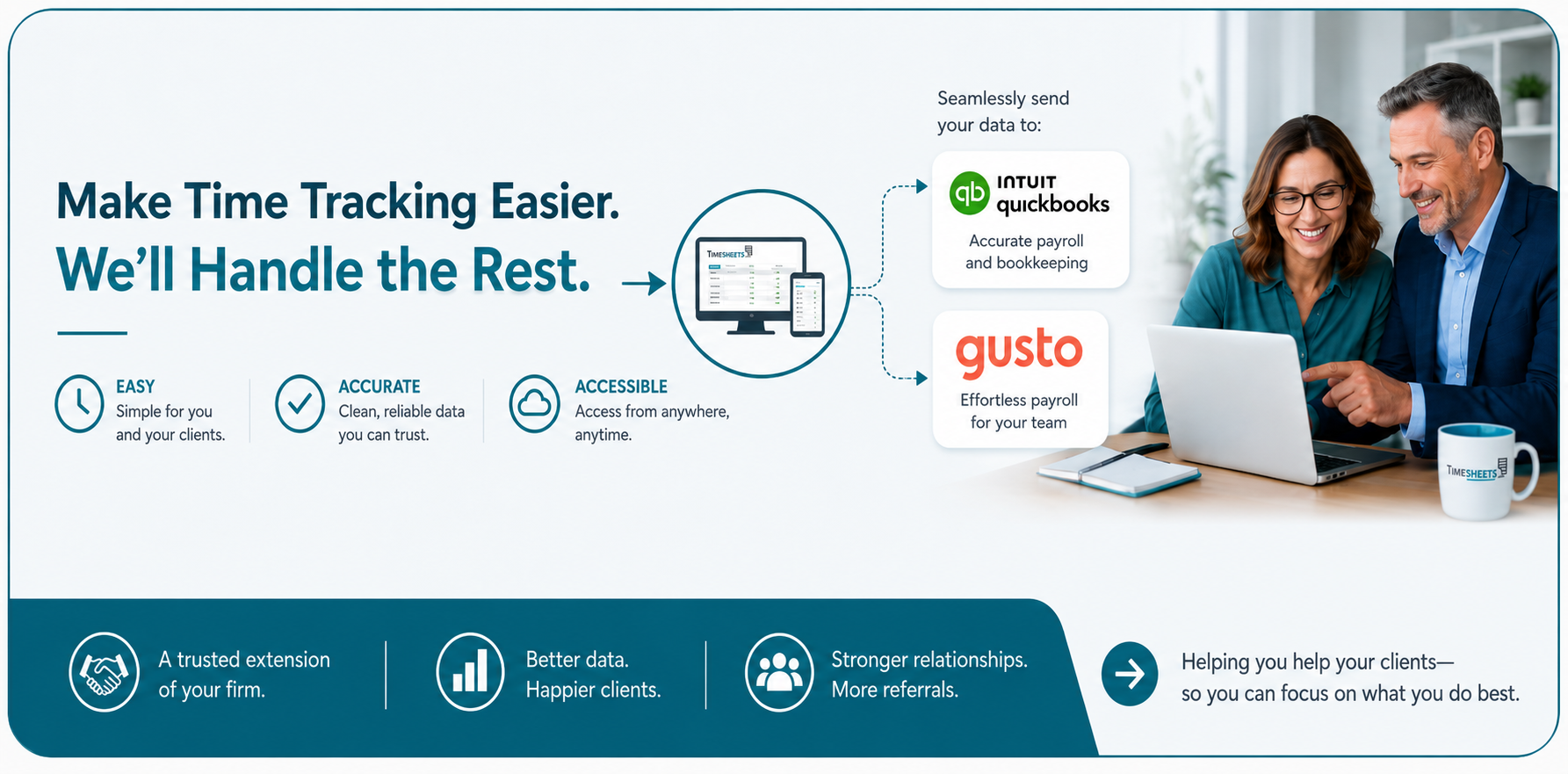
Timesheets.com ProPartner program graphic showing time tracking, QuickBooks and Gusto integrations, and two business professionals