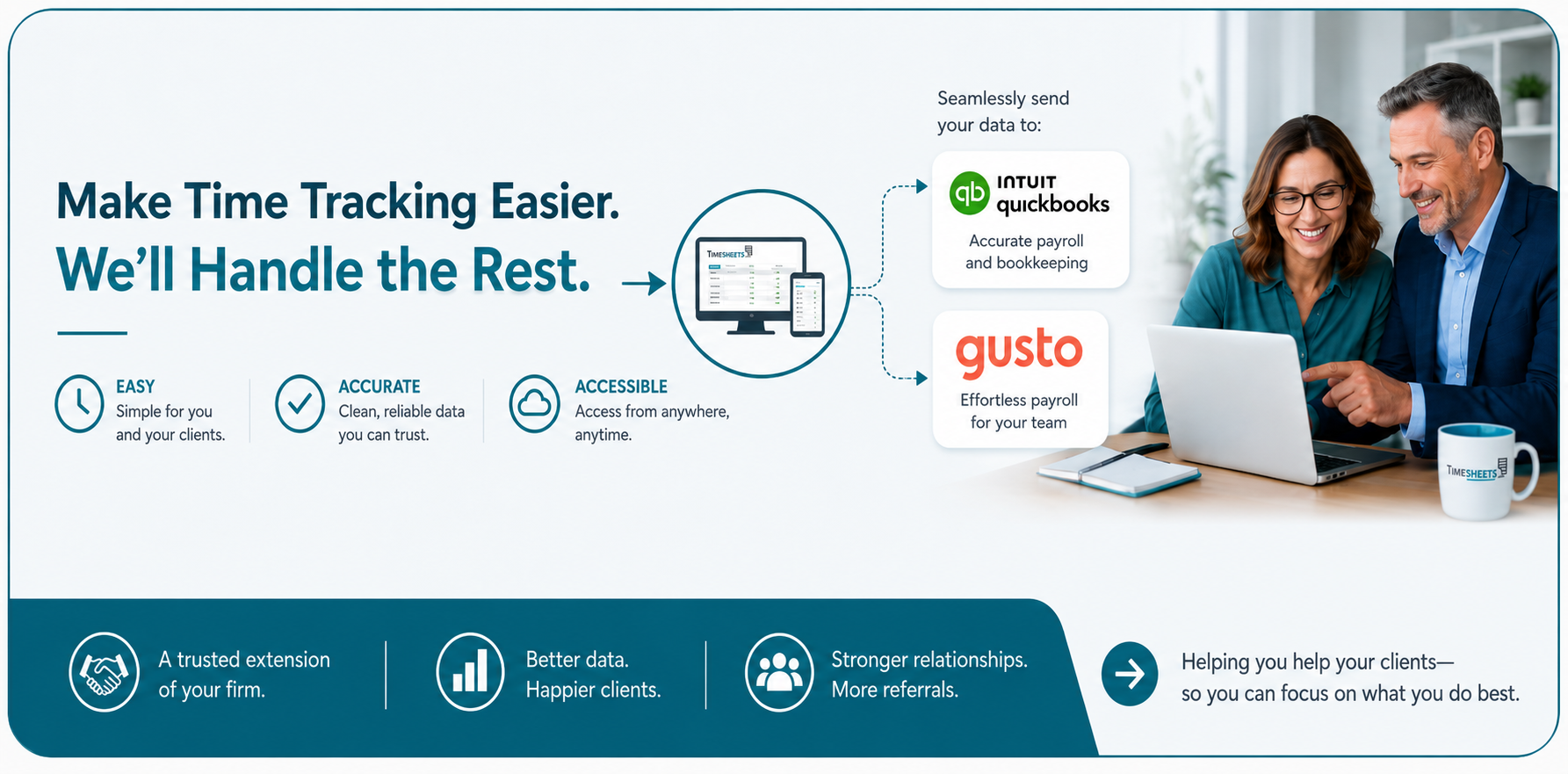
Time tracking that works perfectly with Gusto Payroll.
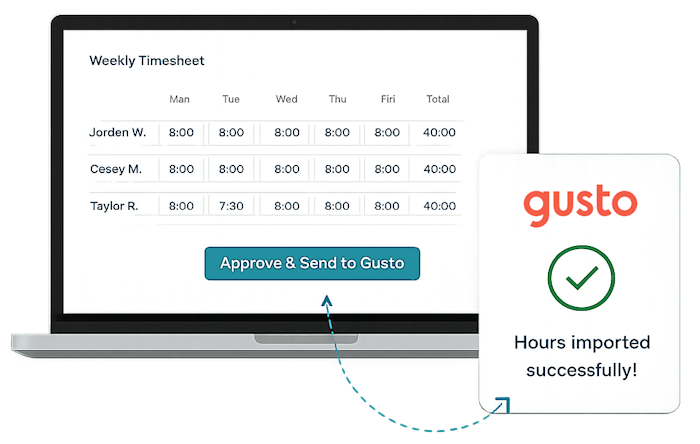
Track time, approve hours, and send accurate payroll-ready data to Gusto with a single click.
How Does It Work?

Employees Clock In
- Web, iOS, Android
- Kiosk mode and scheduling
- Geo, IP lock, and photo security
- Location, dept, and job tracking

Managers See Everything
- Real-time dashboard
- Who's in/out/late
- Break and lunch tracking
- Alerts and notifications

Payroll Takes Minutes
- Signatures & approvals
- Overtime calculated
- Deductions, accruals
- Reduced errors and rework

Send to Gusto
- One click sync
- Send payroll-ready data
- Edits are easy before payroll
EMPLOYEES LOVE IT
It's simple and fast. What's not to love?
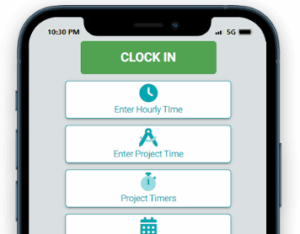
- One-click clock punch
- One-click paid break
- Easy to request PTO
- One click to the schedule
- Quick access to accrual balances
MANAGERS LOVE IT TOO
Everything at a glance.
- See who's clocked in
- Easy approval flow for everyone
- Powerful, granular reporting
- Peace-of-mind security features
- Flexible permissions for team members
- Simple training for staff
- Exporting is easy
- White glove customer support
Are you ready to try Timesheets.com?
Frequently Asked Questions
What does the Timesheets.com integration with Gusto actually do?
Timesheets.com automatically sends approved payroll hours for your timesheets directly into Gusto, eliminating manual entry and reducing payroll errors.
What information syncs between Gusto and Timesheets.com?
Timesheets.com uses your employee names to match users. We also use your payroll dates to match payroll data. We then send approved payroll data, including work time and time off, to Gusto for processing.
How long does it take to setup?
You can connect Timesheets.com to Gusto and match your employees in just a few minutes. That’s all you need to be ready to go for your next payroll.
Do employees clock in using Gusto?
Most Gusto customers don’t realize Gusto isn’t intended to be a full-featured time clock. That’s where Timesheets.com shines. Employees track their time for payroll on Timesheets.com and then the data is sent to Gusto before payroll.
Will this reduce payroll mistakes or make them easier to fix?
Almost certainly. There’s no manual typing of data, no spreadsheets to import, and a simple, consistent process. Correcting data in Timesheets.com is fast and easy no matter where in the process you may be.
Can I review hours before they're sent?
Yes. Sending data to Gusto is part of the normal close payroll process. It’s done manually after the payroll period is closed, so nothing ever goes to payroll without being deliberately sent.
Can employees clock in from their phones?
Sure, if you allow it. That depends on how you setup your security features.
Timesheets.com > Gusto Integration
Copyright 2004-2026 TimeclockOnline.com, Inc. All Rights Reserved.
Terms of Use | Privacy Statement