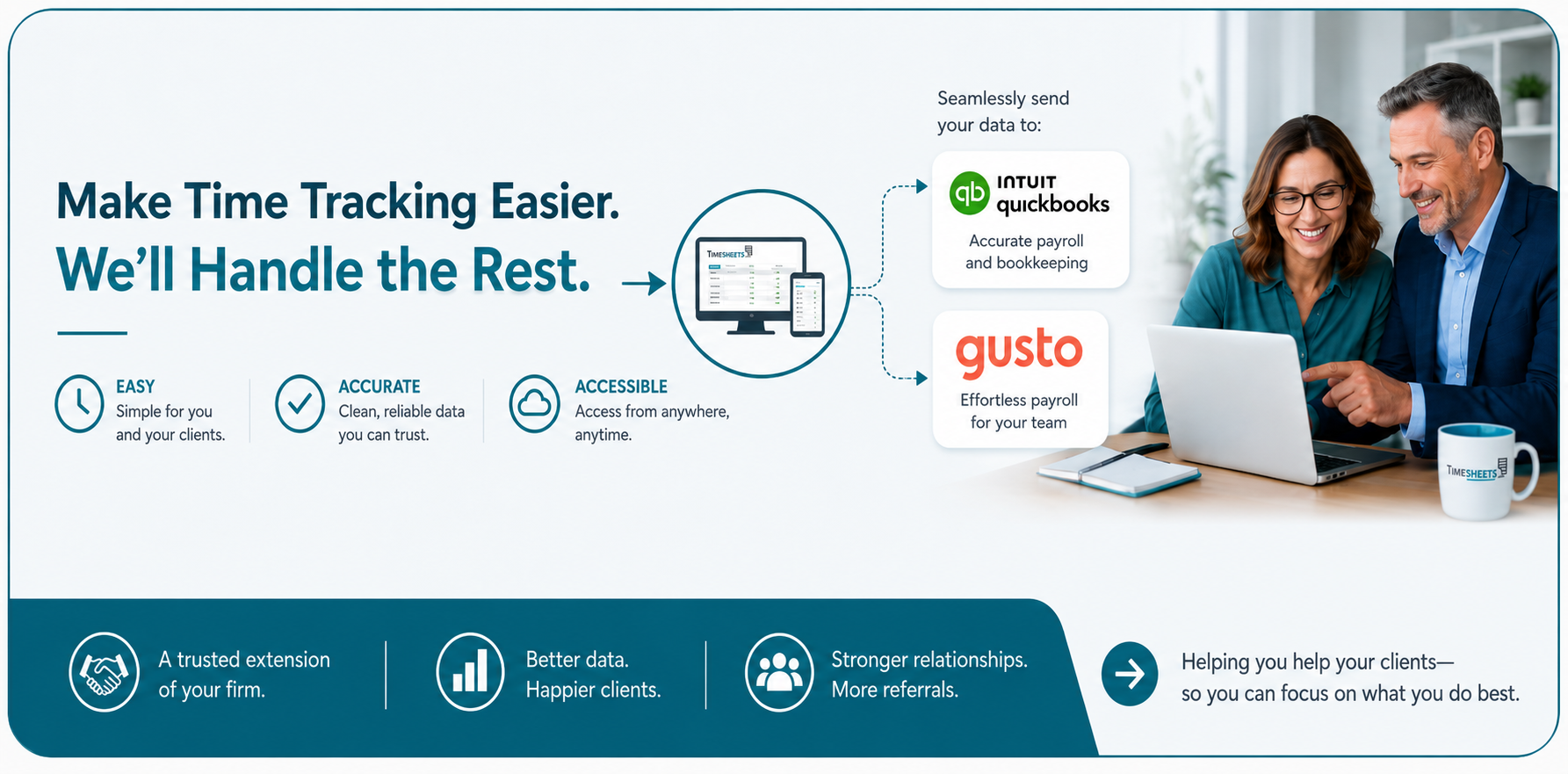
Simple Quotes Get Faster Approvals.
Create professional quotes and proposals in minutes, send them with a secure link, and communicate the important information your clients need to say 'Yes'.
Stop Managing Quotes Like This
- Word and PDF documents
- Version confusion
- Did they even open the email?
- Where was the quote saved?
- No standard way to document acceptance
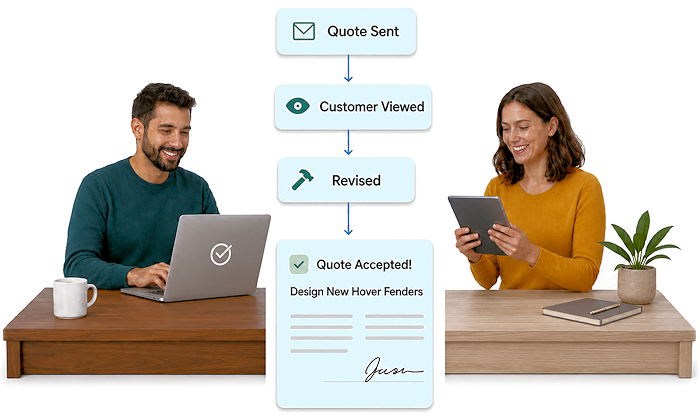
Start Managing Quotes Like This
- Secure, backed-up, and online
- Clear, understandable revision history
- Notification when when the customer views the quote
- Shared, centralized online location
- Electronic acceptance with notes field for comments
Make Every Opportunity Count

Respond Faster
Create and send quotes while the opportunity is hot.

Professional Quality
Professional quotes build trust and confidence.

Stay in the Loop
See exactly when your quote is viewed by your customer.

Stop the Ping Pong
No more outdated PDFs and old version confusion.
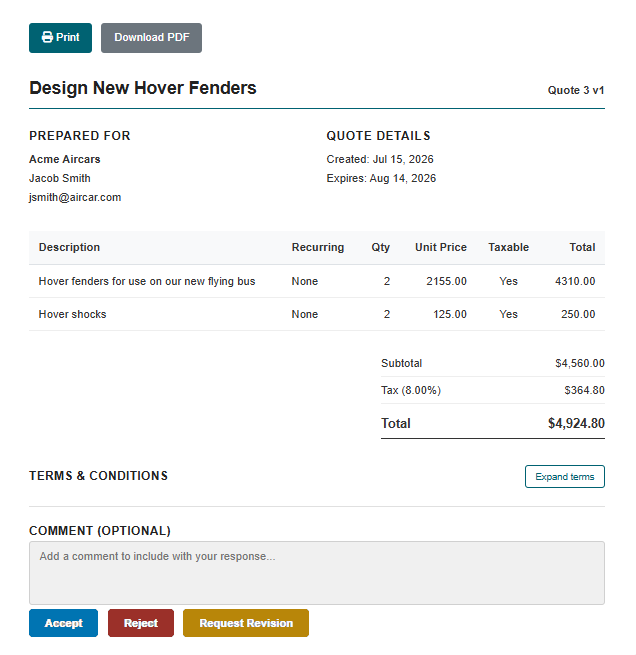
What can I put in my quote?
- Customer contact information
- Payment terms
- Taxes by line item
- Discounts
- Recurrence options by line item
- Multiple versions (e.g. annual vs monthly)
- Client facing and internal notes
- Legal terms

What key features do quotes have?
- Instant preview
- Online acceptance with verification
- PDF exports
- Unlimited revisions
- Searchable and organized by status
- Assignable to team members
- Version history of changes to quotes
- And more...
Are you ready to try Timesheets.com?
Frequently Asked Questions
Can I customize a quote for each customer?
Yes. You can tailor each quote or proposal to the customer and the work being discussed. Include the appropriate services, quantities, rates, project details, and other information the customer needs to make a decision.
Can I customize a quote for each customer?
Yes. You can tailor each quote or proposal to the customer and the work being discussed. Include the appropriate services, quantities, rates, project details, and other information the customer needs to make a decision.
Can I quote fixed-price and hourly work?
You can use quotes to present fixed-price services, estimated hours, hourly rates, or a combination of charges. This gives you the flexibility to quote projects according to the way your business actually works.
Can I revise a quote if the customer requests changes?
Yes. Quotes often change as customers refine their requirements. Keeping the quote online makes it easier to update the scope or pricing while maintaining an organized record of the opportunity.
Can my employees track time against the work we quoted?
Yes. After the contract is won and the project begins, employees can record their time against the appropriate customer and job. Managers can then review the labor used and monitor project costs.
How do your quotes help me price future projects more accurately?
Comparing what you expected a project to require with the actual time and expenses recorded afterward can improve future estimates. Over time, this helps you identify realistic labor requirements, refine your rates, and make better bidding decisions.
Can Timesheets.com help me understand whether a quoted job was profitable?
Timesheets.com can track labor time, billing rates, costs, mileage, and project expenses. Comparing this information with the amount quoted will help you evaluate project performance and improve future pricing.
What should I look for when choosing quotes software?
Look for software that is easy to use, supports the way you price your services, and continues to be useful after the customer approves the work. Features such as time tracking, expense tracking, job costing, reporting, and accounting integrations can be especially valuable for service businesses when they all tie together and play nicely.
Who benefits most from quotes and proposals software?
It is a strong fit for consultants, contractors, agencies, landscapers, professional service firms, field-service businesses, and other organizations that need to estimate work before tracking labor and project costs.
Timesheets.com > Quotes and Proposals
Copyright 2004-2026 TimeclockOnline.com, Inc. All Rights Reserved.
Terms of Use | Privacy Statement