Best Time Tracking Software for Real Estate Teams

How do we track employee time when our real estate team works in different locations?
Real estate employees rarely spend the entire day behind one desk. Administrative staff may work at the office, while showing assistants, transaction coordinators, marketing employees, and property staff may divide their time among listings, open houses, inspections, client meetings, and remote work. Timesheets.com gives employees a simple way to clock in and out or enter time manually from a computer, phone, or tablet. Because the system is browser-based, employees can track time without installing an app. Optional GPS records where a mobile clock punch occurs without continuously tracking the employee throughout the day.
Can employees track time by property, activity, or department?
Yes. In addition to recording total hours for payroll, employees can categorize time by customer, project, account code, department, or job. A real estate agency can use those categories to track time spent on individual properties, listing preparation, open houses, transaction coordination, marketing, administrative work, or other activities. This gives managers a clearer picture of where employee time is being used without requiring the staff to maintain separate spreadsheets for every listing or department.
How do we separate payroll hours from time spent on listings and transactions?
An employee may work eight hours in a day while dividing that time among several properties and activities. Timesheets.com keeps these two types of information separate. Hourly Timesheets record clock-in and clock-out times, breaks, attendance, overtime, and PTO for payroll. Project Timesheets record how employees used their time by customer, property, project, or activity. Payroll time answers, “How long did this employee work?” Project time answers, “Which listings, transactions, or business activities used that time?” Employees get a straightforward way to record both, while brokers and office managers get the operational detail they need.
How do we track mileage and expenses for employees visiting properties?
Employees can record mileage and business expenses from the field instead of saving everything for the end of the week or month. Mobile expense records can be associated with customers, projects, events, vendors, and account codes. This gives a real estate office one place to collect expenses connected with property visits, open houses, listing preparation, supplies, parking, and other approved business activities before managers review them.
How do we manage attendance, schedules, breaks, overtime, and PTO?
Timesheets.com combines employee time tracking with scheduling and attendance information. Employees can view their schedules, request time off, check available accrual balances, and record paid or unpaid breaks. Managers can see who is clocked in, identify missed punches, compare scheduled shifts with actual attendance, and review overtime before closing the payroll period. This is useful for real estate offices that need to coordinate front-desk coverage, weekend open houses, marketing schedules, transaction deadlines, and time off without relying on separate calendars and paper requests.
How can we verify field time without constantly monitoring employees?
Real estate agencies need reliable records, but employees should not feel as though their location is being followed all day. When enabled, GeoPunch records an employee’s location only when the employee clocks in or out. Managers can review the location, map, and reported accuracy associated with the punch. Timesheets.com can also use approval workflows, edit restrictions, IP address controls, photo timestamps, and audit histories to help agencies review questionable entries and understand when a record was changed, who changed it, and why.
How do we prepare employee hours for payroll without building spreadsheets?
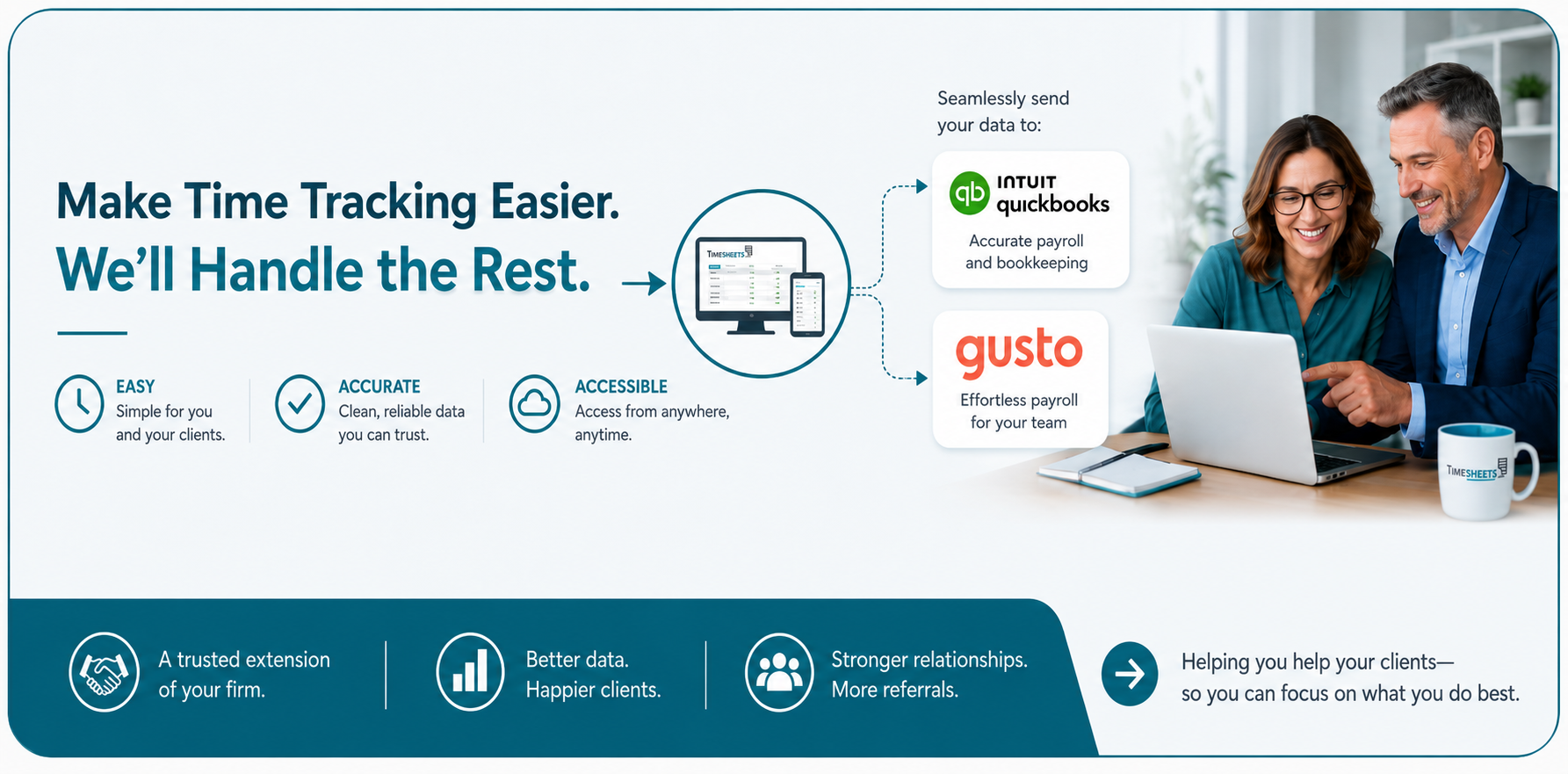
Managers can review employee records, correct missed punches, approve time, and generate payroll-ready reports from one system. Timesheets.com calculates configured overtime, separates regular and overtime hours, and supports exports for QuickBooks, ADP, Gusto, Paychex, CSV, spreadsheets, and PDFs. Reports can also help managers answer practical questions such as: How many hours did each employee work? Which records still need approval? How much time did we spend on a particular listing or activity? Which employees recorded mileage or expenses? The result is clearer information for payroll and management without collecting data from paper timesheets, emails, and disconnected files.
Why do real estate agencies choose Timesheets.com?
Real estate agencies need more than an office time clock. They need a system that works for employees in the office and in the field, keeps payroll hours separate from property and activity time, records mileage and expenses, and gives managers useful reports. Timesheets.com brings those records together without requiring a complicated workflow or forcing the agency to replace the other software it already uses. Simple for employees. Clear for brokers and office managers. Useful for payroll, staffing, and understanding where the agency’s time is going.
Copyright 2004-2026 TimeclockOnline.com, Inc. All Rights Reserved.
Terms of Use | Privacy Statement