The Best Online Time Tracking Service for an Insurance Office

How should an insurance office track employee hours for payroll?
Insurance offices often include a mix of agents, customer service representatives, administrative staff, account managers, and other employees whose schedules may not all look the same. Some employees work standard office hours, while others may start early, stay late, work remotely, or leave the office for client appointments.
Timesheets.com gives employees a simple way to clock in and out while automatically organizing their hours for payroll. Managers can review regular hours, overtime, breaks, attendance, and time off before approving records and preparing them for payroll.
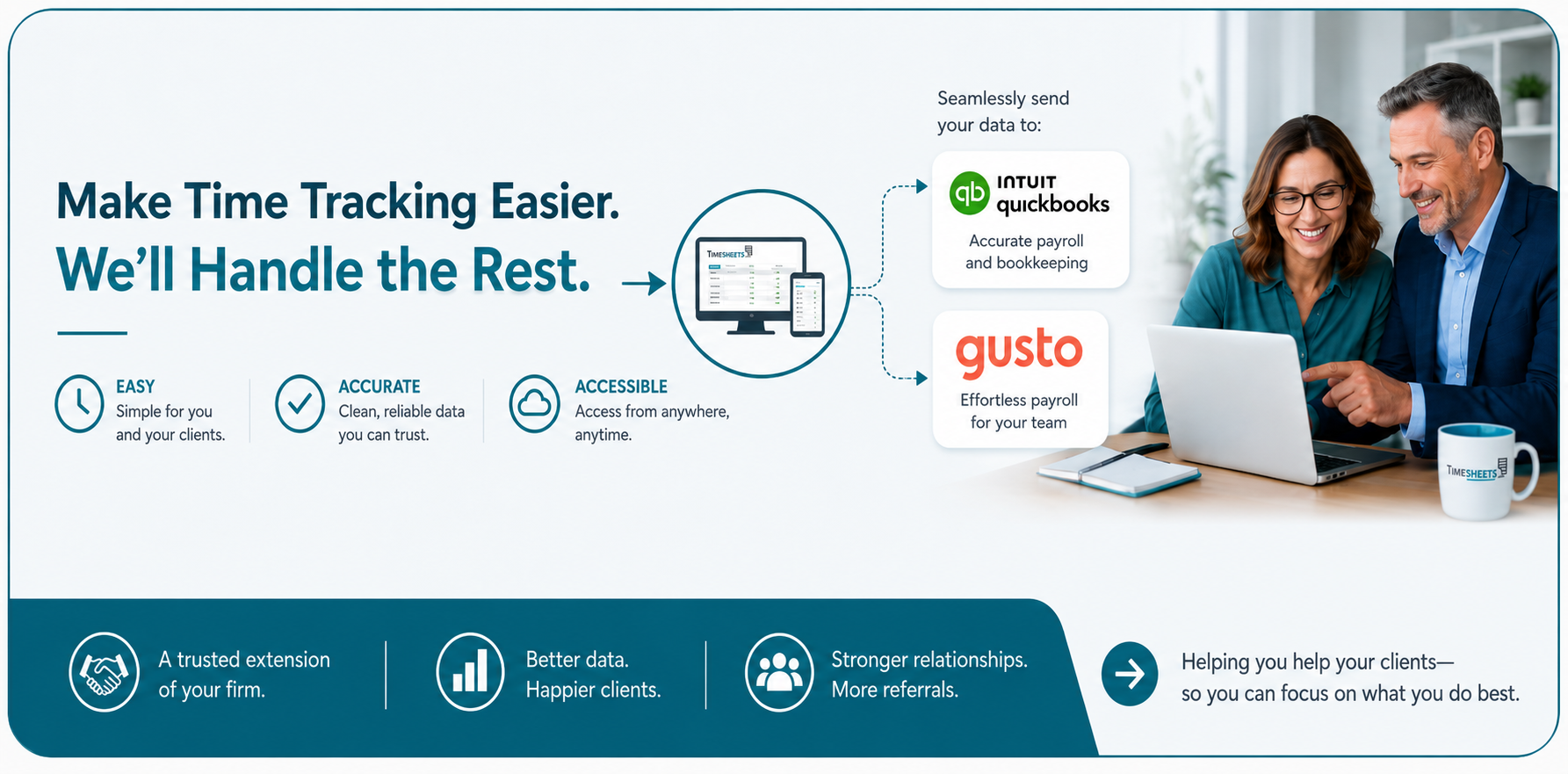
Instead of collecting handwritten timecards or maintaining a separate spreadsheet, an insurance office can keep employee time and attendance records in one place. Timesheets.com can also prepare time data for payroll and accounting systems including QuickBooks, ADP, Gusto, and Paychex.
How can we track employees who work in the office, remotely, or visit clients?
Insurance employees do not necessarily spend every working hour behind the same desk. An agent may visit a client, an employee may work from home several days per week, and another staff member may work exclusively from the office.
Timesheets.com allows employees to clock in and out from a computer or mobile device, giving insurance offices one system for employees working in different locations.
When additional verification is appropriate, managers can use tools such as GPS punch locations, approved IP address restrictions, Photo Timestamp, approval workflows, and audit histories. GPS information is captured when the employee makes the punch rather than continuously tracking the employee throughout the day.
This gives an insurance office flexibility without giving up accountability.
How do we prevent employees from clocking in from the wrong location?
For many insurance offices, the question is not whether employees can clock in online. The question is whether managers can trust where and when those punches were made.
Timesheets.com provides several optional controls that an office can apply depending on how its employees work.
An office-based employee can be restricted to approved IP addresses. A mobile employee can have the location of the punch recorded. Photo Timestamp can provide another way to verify who is clocking in or out. Managers can also review changes through audit histories and require employee or supervisor approvals.
Different employees can have different requirements, allowing an insurance office to apply tighter controls where they are useful without making every employee follow the same workflow.
How can we keep track of overtime before it becomes a payroll problem?
Unexpected overtime can be difficult to manage when hours are collected only at the end of the pay period.
A time tracking system gives managers better visibility into employee hours while the pay period is still in progress. Timesheets.com calculates overtime according to configured rules and gives administrators reporting tools to review employee time before payroll is finalized.
For an insurance office, this can make it easier to identify when customer service staff, administrative employees, or other hourly workers are accumulating more hours than expected.
Managers can address scheduling issues earlier instead of discovering them when payroll is already being processed.
How do we manage PTO, vacations, and employee schedules in the same system?
Employee time tracking becomes much less useful if administrators still have to maintain separate spreadsheets for vacations, schedules, sick time, and other absences.
Timesheets.com combines time tracking with employee scheduling and time-off management. Employees can submit time-off requests, managers can approve them, and available PTO balances and accruals can be maintained within the system.
This gives office administrators a clearer picture of both when employees worked and when they were scheduled to be away.
For smaller insurance offices where one person may be responsible for payroll, scheduling, employee records, and general administration, keeping these functions together can significantly reduce manual record keeping.
Can employees track mileage and expenses when visiting clients or attending business meetings?
Yes. Insurance professionals may occasionally travel to meet clients, inspect properties, attend training, visit another office, or perform other work away from their normal workplace.
Timesheets.com includes mileage and expense tracking so employees can record business expenses and mileage without maintaining a separate reimbursement spreadsheet.
Employees using a mobile device can record expenses, associate them with customers or other categories, and attach receipt images. Mileage can also be recorded and submitted for review.
This creates a more organized reimbursement process and gives administrators a record of the expense, employee, date, and supporting documentation.
How can an insurance office keep accurate records when employees correct their own timesheets?
Mistakes happen. An employee may forget to clock out, miss a punch, or realize later that an entry was incorrect.
Allowing corrections is useful, but managers also need to know when records have changed.
Timesheets.com provides audit histories and approval tools so corrections do not have to mean losing visibility into the original record. Managers can review employee time, identify records that need attention, and approve the completed timesheet before it moves forward to payroll.
This creates a better balance between allowing employees to fix legitimate mistakes and maintaining reliable payroll records.
Can we see attendance patterns instead of checking employee timesheets one at a time?
Yes. The value of collecting employee time increases when managers can actually use the information.
Timesheets.com reporting allows administrators to filter and group information by employees, dates, departments, projects, locations, and other available categories. Reports can help answer questions such as:
- Who was late this week?
- Which employees are working the most overtime?
- How much PTO has been used?
- Are there missing or incomplete time records?
- Which employees or departments are generating the most labor hours?
- Is payroll ready to process?
- Who approved a particular time or time-off record?
Reports can also be exported when information needs to be reviewed in a spreadsheet, provided to management, or retained for business records.
Do insurance agencies need project time tracking if they do not bill clients by the hour?
Not necessarily, but some insurance offices use project time tracking for a different reason: understanding where employee time goes.
An agency could categorize time spent on activities such as renewals, new business, claims support, customer service, training, marketing, administrative work, or internal projects.
Timesheets.com allows project time to be categorized by customer, project, and account code, with notes describing the work performed. Managers can then report on those categories to better understand how staff time is being allocated.
An insurance office that only needs payroll time tracking does not have to use this workflow. Offices that want more operational detail can use it alongside their regular employee timesheets.
Can we send approved employee hours directly into our payroll or accounting workflow?
Yes. Once employee time has been reviewed and approved, administrators should not have to manually retype every employee’s hours into another system.
Timesheets.com provides payroll and accounting export options including QuickBooks, ADP, Gusto, Paychex, CSV, spreadsheets, and other available export formats.
That allows the insurance office to use Timesheets.com for collecting and approving employee time while continuing to use its existing payroll or accounting provider.
The result is a simpler workflow:
Employees record their time. Managers review it. Administrators approve it. Payroll receives the information it needs.
Why do insurance offices choose Timesheets.com?
Insurance offices generally do not need an overly complicated workforce management system. They need an easy way for employees to record their hours and a reliable way for administrators to manage payroll, attendance, overtime, schedules, PTO, expenses, and employee accountability.
Timesheets.com brings those functions together in one system while allowing each office to decide how much control it needs.
Employees get a straightforward way to record their workday. Managers get better visibility into attendance and labor hours. Administrators get organized records that are easier to review and prepare for payroll.
Simple for employees. Reliable for managers. Easier for the people responsible for payroll and running the office.
Copyright 2004-2026 TimeclockOnline.com, Inc. All Rights Reserved.
Terms of Use | Privacy Statement